Skip to content

PDFPeek — PDF Field Inspector

Personal Project
PDFPeek PDF Field Inspector

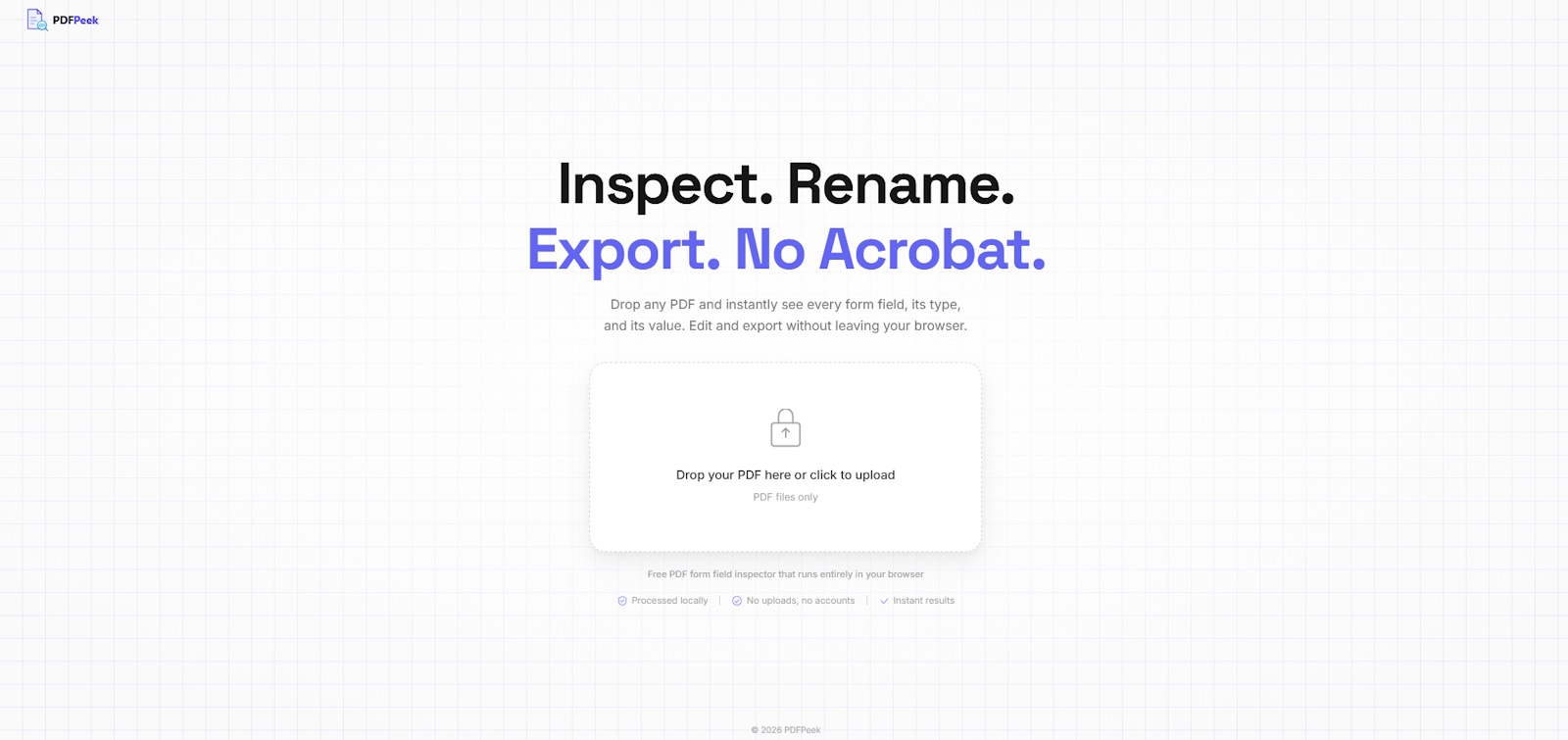
PDFPeek is a fully client-side browser tool for inspecting and editing AcroForm fields in PDF files. Drop in a PDF, instantly see every field — its name, type, and value — then rename or edit fields and download the modified file. No backend, no uploads, no accounts. Your files never leave the browser.


What I Built

PDFPeek started from a real frustration: needing to inspect AcroForm field names in a PDF with no reliable, privacy-respecting tool available. Everything either required an upload to a third-party server or was buried in paid desktop software. I built the tool I wanted to exist.

  • Drag-and-Drop PDF Loader: Drop zone accepts any PDF and immediately extracts all AcroForm fields — no config, no file size limit imposed by a server.
  • Field List with Type Badges: Every form field is listed with its internal name, field type (text, checkbox, dropdown, radio, signature, button), and current value — color-coded by type for quick scanning.
  • Inline Field Renaming: Click any field name to rename it in place. Each save mutates a fresh copy of the PDF via pdf-lib and triggers an immediate re-render — changes are reflected instantly.
  • Visual PDF Renderer with Highlight Overlay: Pages are rendered to canvas using pdfjs-dist. Selecting a field in the list highlights its position on the rendered page, so you can see exactly where it sits in the document.
  • One-Click Download: Export the modified PDF at any time from the toolbar. The downloaded file preserves all original content with your renamed fields baked in.
  • Fully Client-Side Privacy: All PDF processing happens in the browser using WebAssembly and JavaScript. Zero network requests are made with your file — there is no backend to send data to.

Tech Stack:

Angular 20 TypeScript Firebase Hosting pdf-lib pdfjs-dist Angular Material SCSS

Under the Hood

The core engineering challenge was bridging two PDF libraries that have no shared state. pdf-lib handles AcroForm field metadata — reading names, types, values, and writing changes back. pdfjs-dist handles visual rendering of the page canvas. Neither library knows about the other.

PdfService as the Bridge

PdfService holds rawBytes as the single source of truth. Every field rename runs through pdf-lib and produces new bytes, which are then fed to pdfjs-dist to re-render the canvas — keeping both libraries in sync without coupling them.

Field Highlight Overlay

Field positions are extracted from AcroForm widget annotations and projected onto the canvas coordinate space. A transparent overlay div is positioned over each field rectangle, allowing click-to-select from the visual page itself.

Field Type Color System

Each AcroForm field type maps to a CSS custom property token (--color-field-text, --color-field-checkbox, etc.), applied consistently across the field list badges and the canvas overlay highlights.

Zero-Trust Architecture

There is no backend — Firebase Hosting serves only the static Angular bundle. The app makes no external requests with user data. This isn't just a privacy feature; it's the architecture. There's nothing to breach because there's no server holding your files.

Looking for someone to bring your ideas to life? Let's chat about how I can help make it happen.

Get In Touch